

Wordfence Integration
Secure Your WordPress Network of sites with Wordfence.




Integrate Wordfence Security Plugin with MainWP for Simplified Management
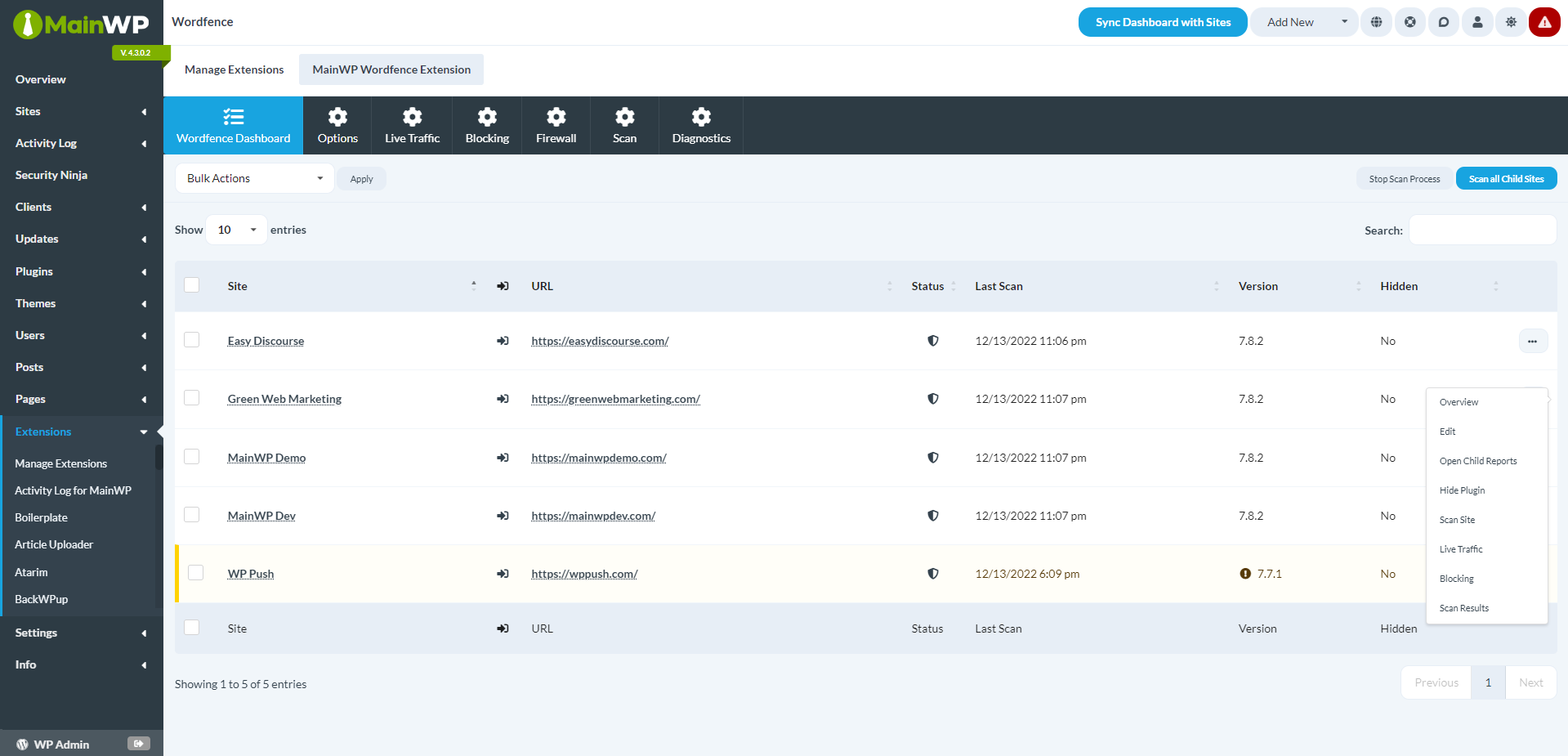
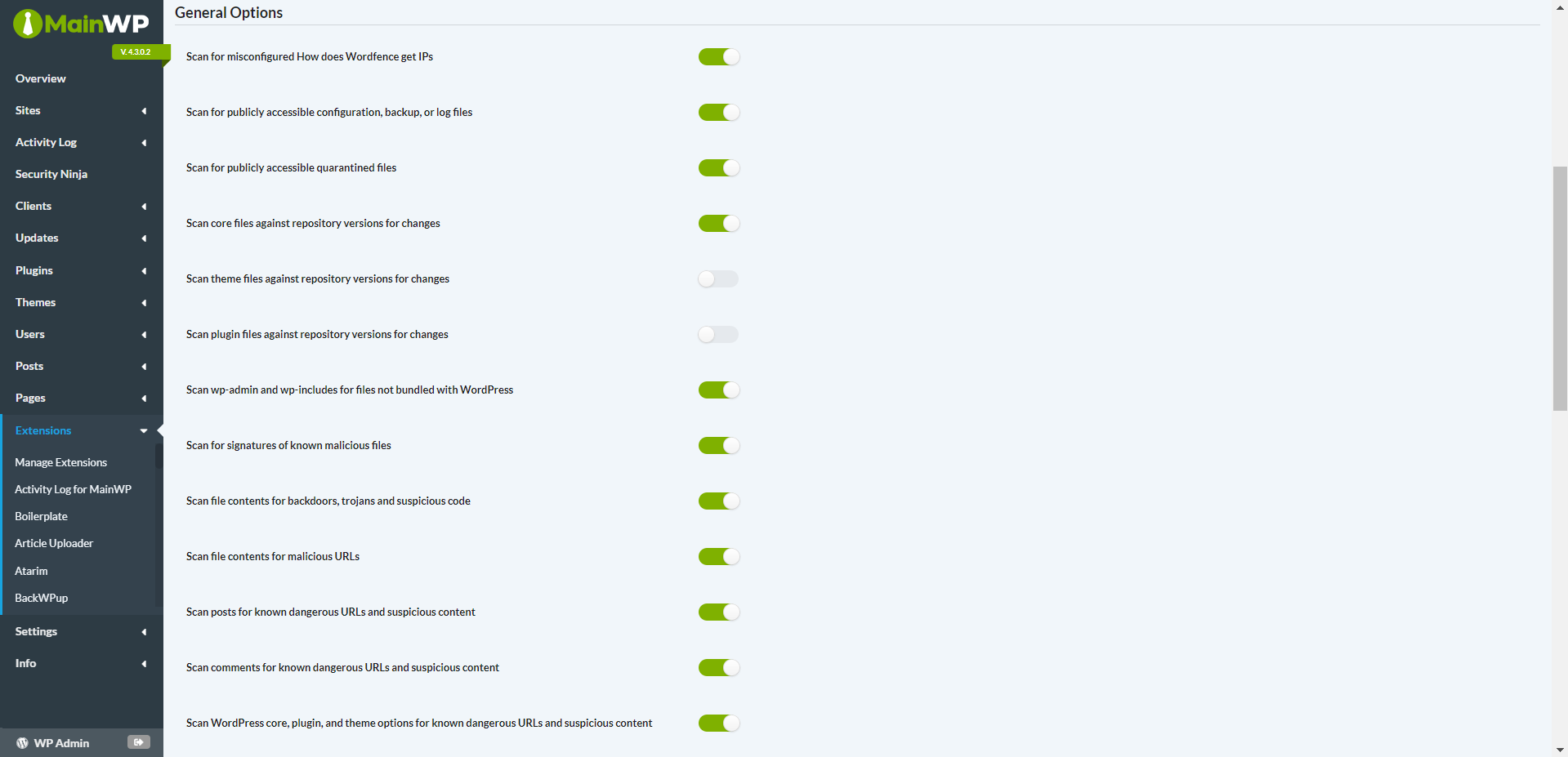
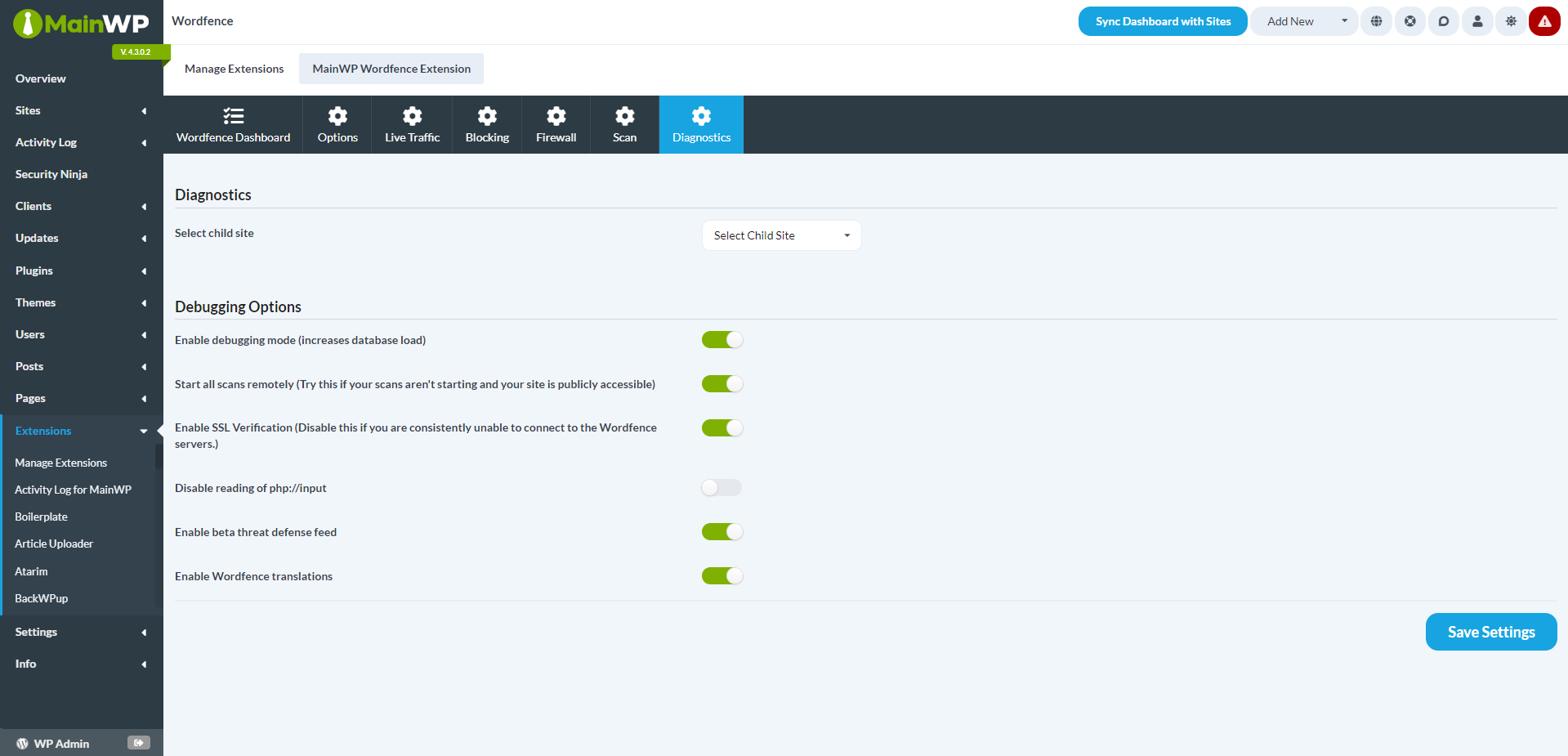
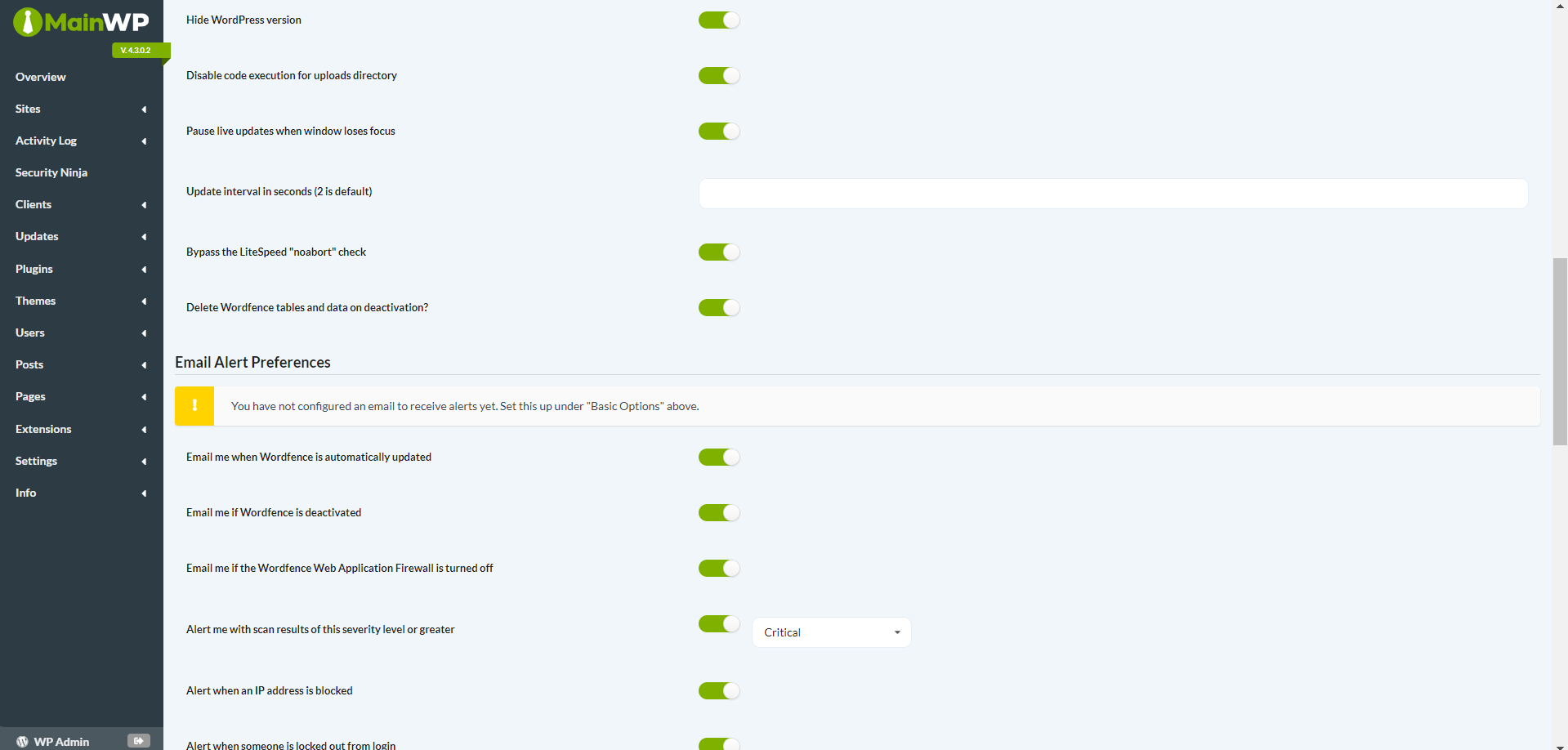
The Wordfence Integration combines the power of your MainWP Dashboard with the popular Wordfence Security Plugin. It allows you to scan your Child sites for security issues, monitor live traffic, and manage Wordfence settings across your network—all from your MainWP Dashboard!
The Benefits of MainWP’s Wordfence Add-on
Managing security for multiple client websites is a crucial task for any web developer. However, overseeing security across various WordPress sites can be overwhelming. MainWP’s Wordfence Add-on simplifies this by linking your MainWP Dashboard with the trusted Wordfence Security Plugin. This integration allows you to manage security settings, monitor live traffic, and scan for potential threats across your network from a single interface.
Features That Simplify Security Management
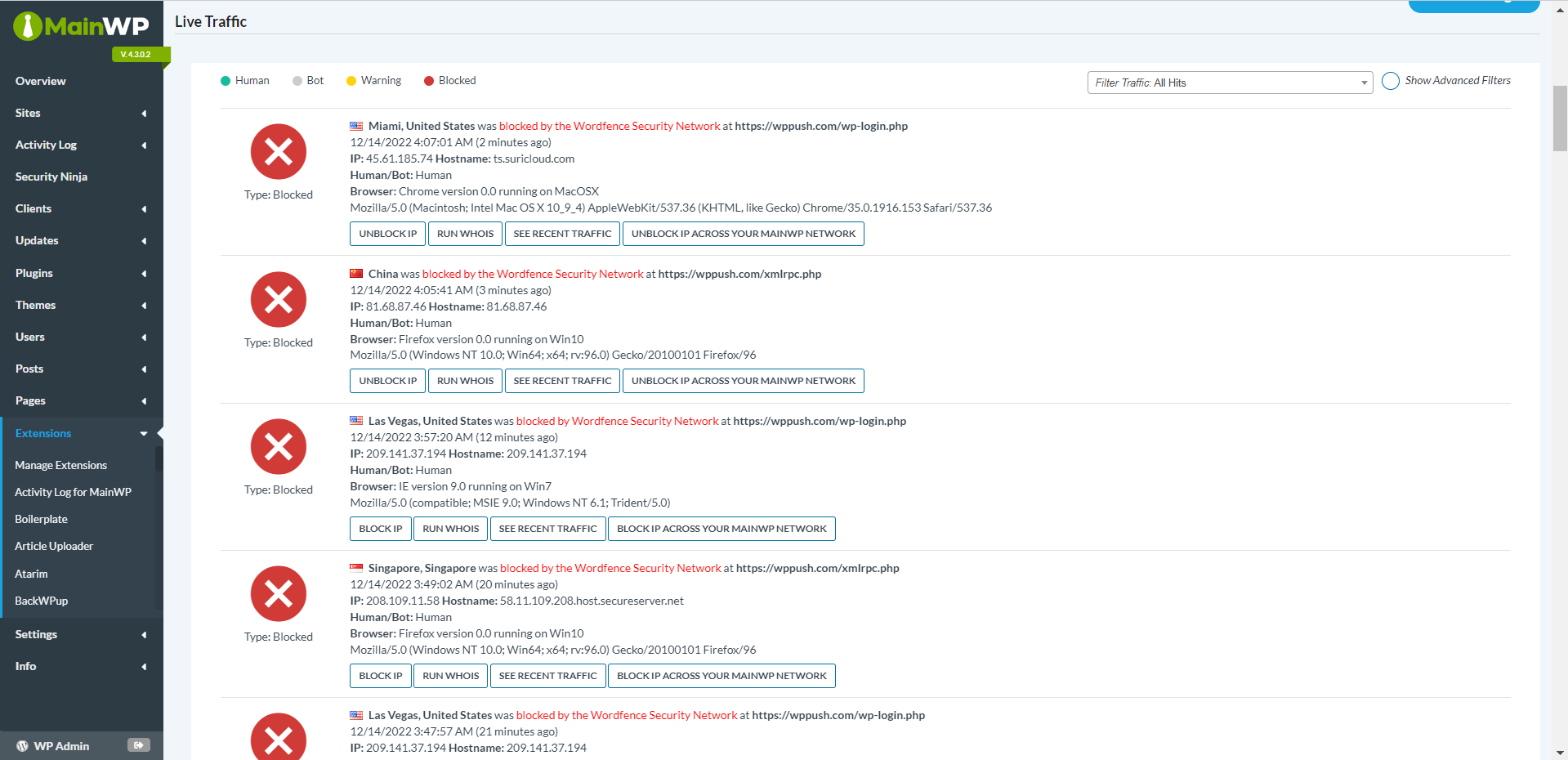
The Wordfence Integration by MainWP is loaded with features that make managing security straightforward. With just one click, you can start security scans across all your Child sites and see the results in your MainWP Dashboard. This quick access helps you identify and resolve any security weaknesses promptly. Additionally, the live traffic monitoring feature offers real-time views into your Child sites’ activities, providing a detailed picture of your network’s security at any moment.
Centralized Management of Wordfence Settings
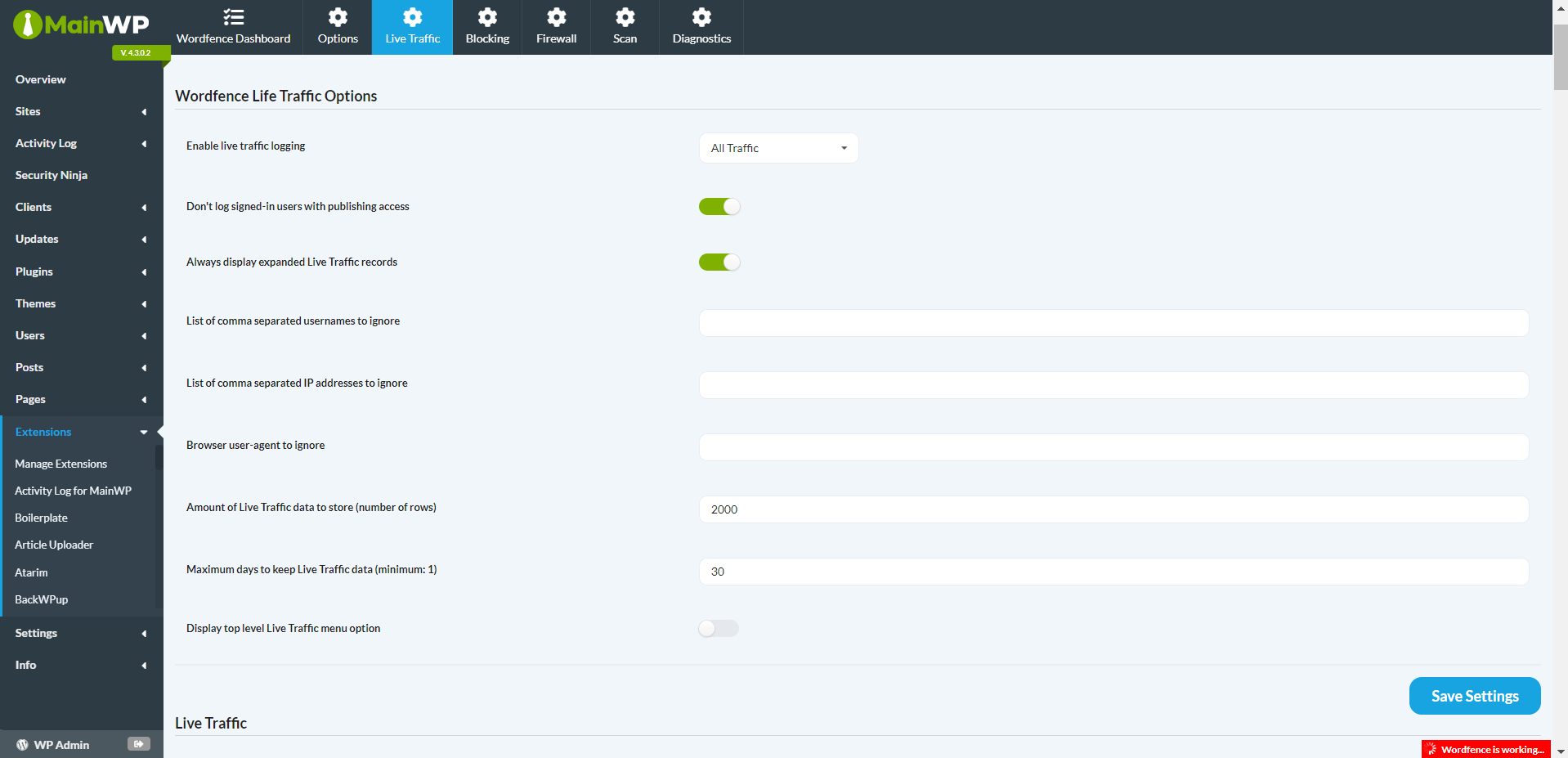
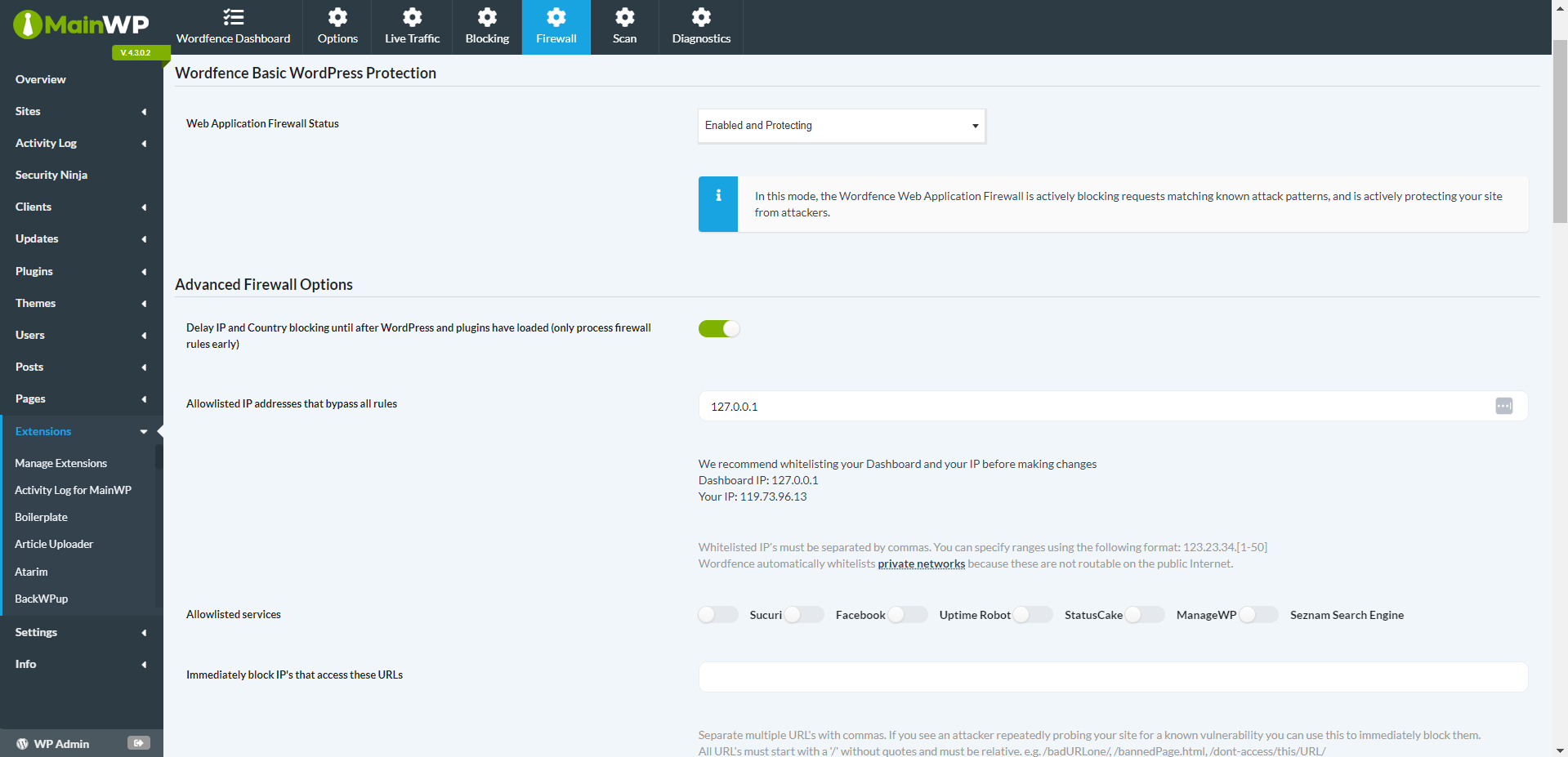
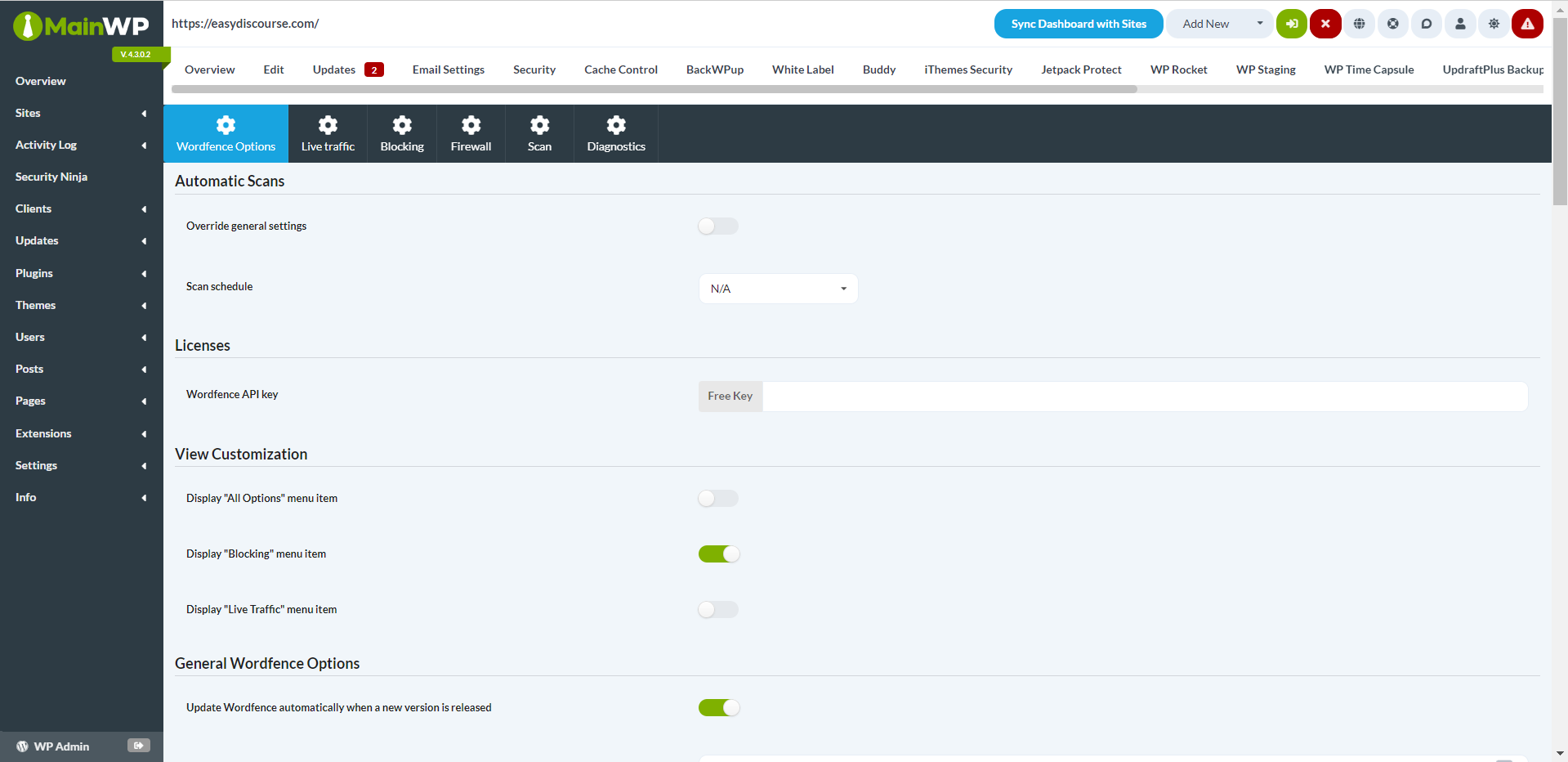
With the Wordfence Integration, you can control your Wordfence settings from a unified location. From your Dashboard, you can easily block or allow users and crawlers, ensuring that only approved traffic can access your sites. You also have the option to set scan schedules that best meet your needs, be they daily, weekly, or monthly.
Security Made Easy
Shielding your sites from potential threats is vital, but it shouldn’t be burdensome. MainWP’s Wordfence Add-on provides a straightforward solution that eases network security management. The intuitive interface and robust features combine to offer strong security measures without added complexity.
Wordfence Network Monitoring
Keeping track of your network’s activity is essential for strong security. The live traffic monitoring feature enables you to monitor your Child sites directly from your Dashboard. This not only saves time but also helps you concentrate on other critical tasks.
Enhance Your Security Measures Today
Begin improving your network security by installing the MainWP Wordfence Add-on. For even more advanced features, consider upgrading to MainWP Pro. With MainWP’s Wordfence Add-on, you can rest assured that you have the necessary tools to safeguard your clients’ sites effectively.
FAQ for MainWP Wordfence Add-on
Is the Wordfence plugin required to use the MainWP Wordfence Add-on?
Yes, you must install the Wordfence plugin on your Child sites for the MainWP Wordfence Add-on to work effectively. The extension works in conjunction with the Wordfence plugin to offer centralized security management.
Can I manage Wordfence settings for individual Child sites separately?
Certainly! The MainWP Wordfence Add-on lets you override general settings and customize Wordfence options for each Child site individually. This adaptability allows you to adjust security settings according to the unique needs of each site.
Does the MainWP Wordfence Add-on support scheduled scans?
Indeed, the add-on allows you to arrange scheduled scans at intervals that suit your needs. You can opt for daily, weekly, or monthly scans to ensure consistent monitoring of your Child sites’ security.
Can I view live traffic data for my Child sites using the MainWP Wordfence Add-on?
Yes, with the live traffic monitoring feature of the extension, you can observe real-time traffic data for your Child sites directly from your MainWP Dashboard. This feature provides crucial insights into the activities on your network, aiding in the identification of potential security concerns.